
You can change your SMTP plan at any time from the Pricing tab in the SMTP section. This article explains how to proceed and in which situations it is useful to change plans.
What it's used for
Changing your plan allows you to:
- Increase your sending capacity if you regularly reach your quota
- Adapt your volume to your needs, which may vary by season or operations
- Quickly resume your mailings if your quota is reached mid-period
Before you begin
Administrator access on your Cyberimpact account is required — only account administrators can change the plan.
Step by step
- Log in to your Cyberimpact account and access the SMTP section via the main navigation menu.
- Click the Pricing tab.
.png)
- Browse the available plans and identify the one that matches your sending volume.
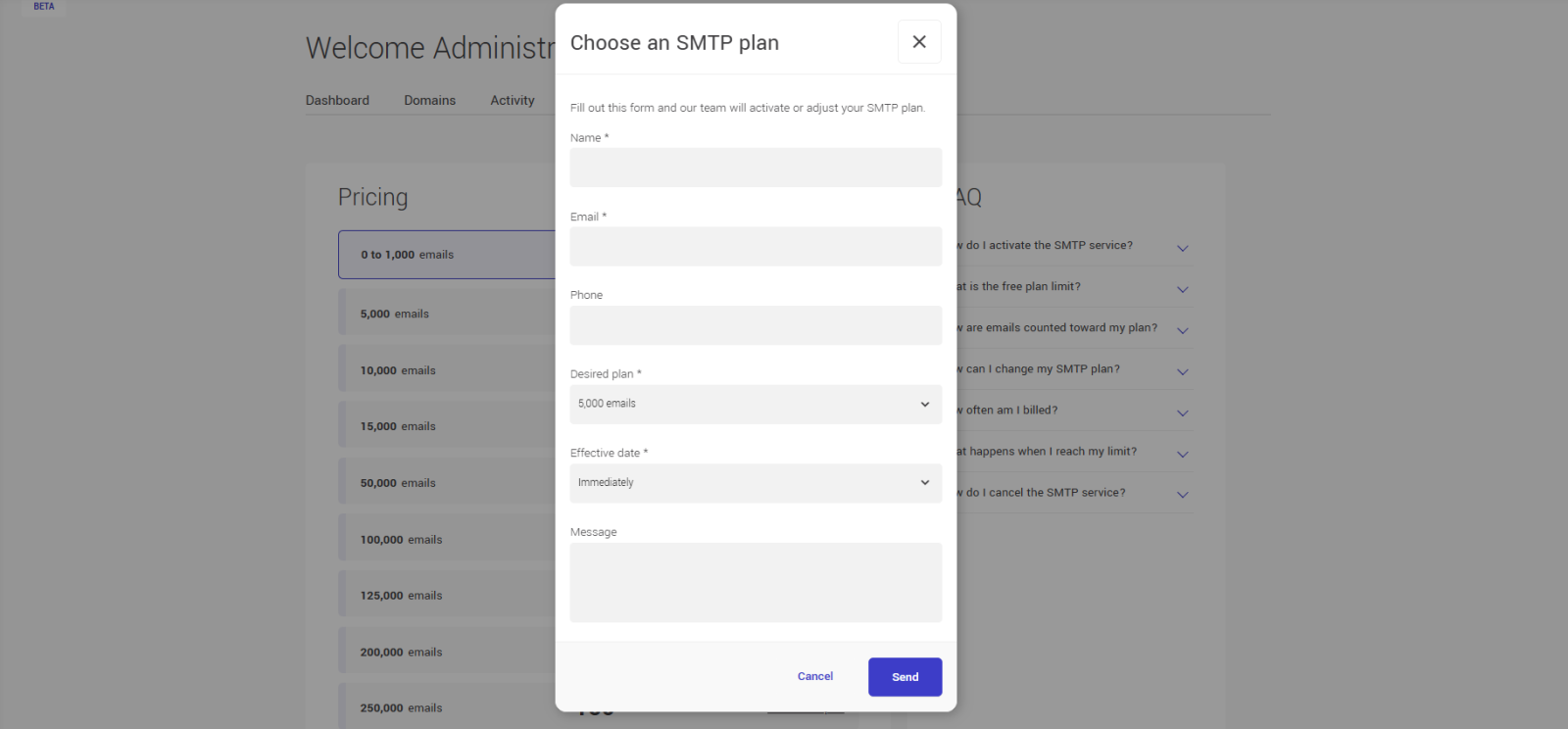
- Click Choose this plan to the right of the desired plan — a form will appear.
- Fill out and submit the form — a member of our team will contact you to confirm and activate the change.
Note: plan change requests are processed manually by our team. If you have reached your quota and your mailings are blocked, mention it in your request — we will prioritize your case.
Tips and tricks
When should I change plans?
If you regularly reach your quota before the end of the period, or if you anticipate a more intense sending period, it is a good time to upgrade to a higher plan.
Is the quota reset when changing plans?
No — the quota is never reset mid-period, regardless of the type of change. Here is what happens depending on the situation:
- Upgrade mid-period: the new higher volume applies immediately. Emails already sent during the current period still count toward your usage
- Downgrade or any other change: the change takes effect at the start of your next billing period.
The quota resets automatically to zero only at the start of each new billing period.
Want to downgrade your plan?
That is possible — submit a request from the Pricing tab. The change will take effect at the start of your next billing period. Make sure the new volume is sufficient to cover your usual mailings before downgrading.
See also: