
In this article:
Starting up
Open a session by entering your authentication information you were given when opening your free trial account:
Username: xxxxxxxx
Password: xxxxxxxx
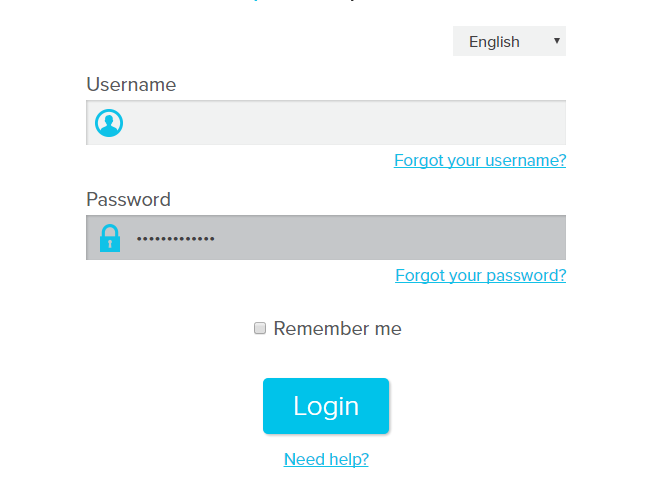
Note: If this is your first visit, you will need to accept the application terms and conditions once you have logged in.
Forgotten password and/or username
If you have forgotten you username, it can be retrieved on our login page by clicking on "Forgot your username?" Enter your email address and we will send you the corresponding information.
If you have lost your password, it can be retrieved on our login page by clicking on ‘‘Forgot your password?’’ Enter your username and an email will be sent so that you can access your account and change your password.
Changing your password
- Go to "Settings" and select "Users".
- Click on "Edit" option in the actions menu ("...") located at the right-end of the user's row.
- Change your password and click "Save".