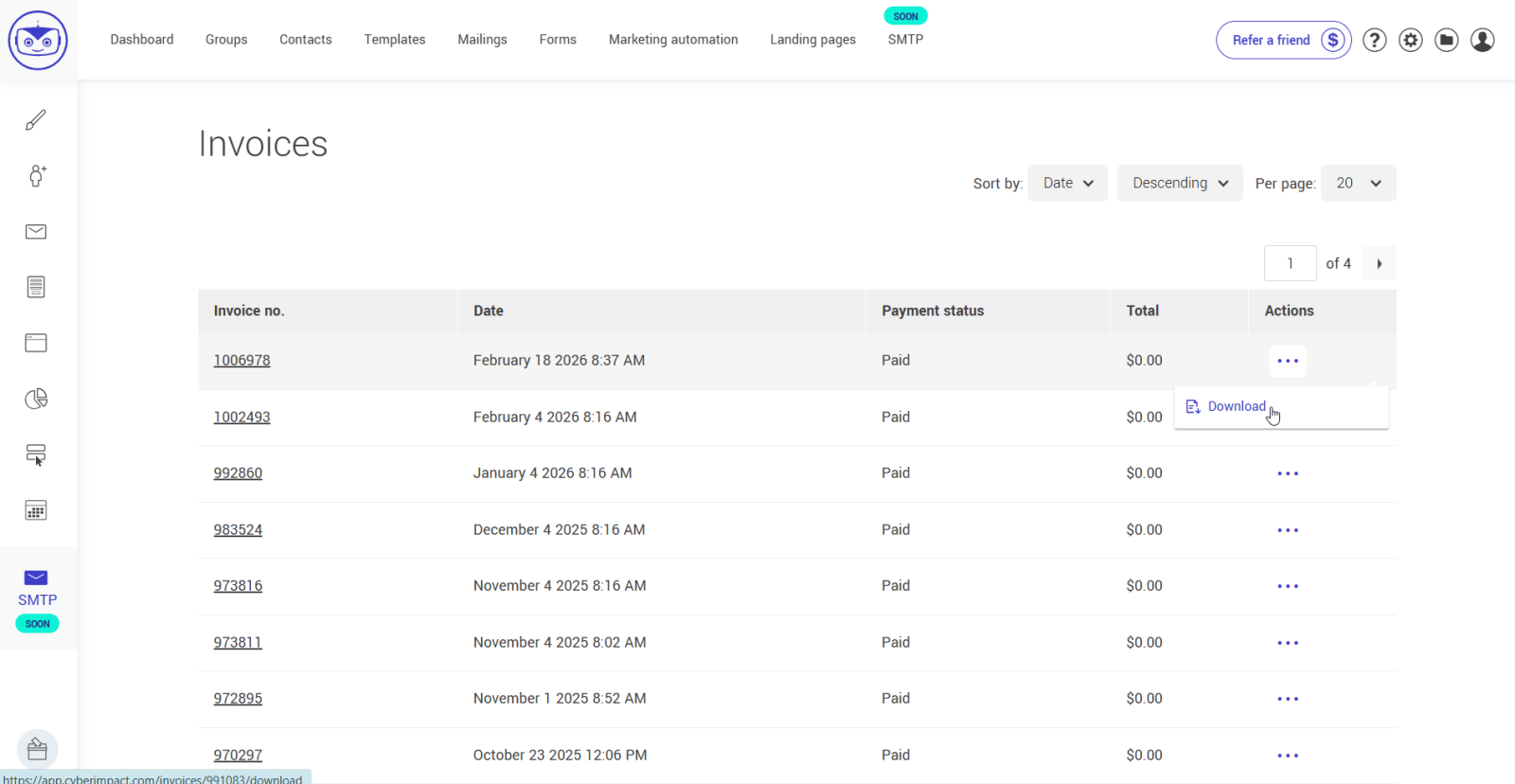
You can consult and download your invoices directly from your Cyberimpact account.
To do so, follow these steps:
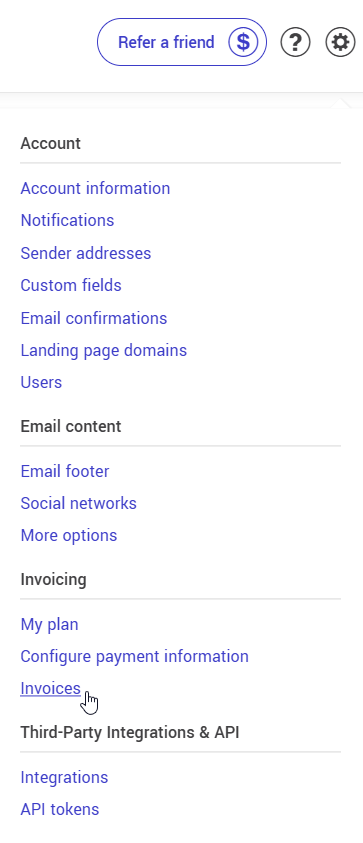
- Select the menu
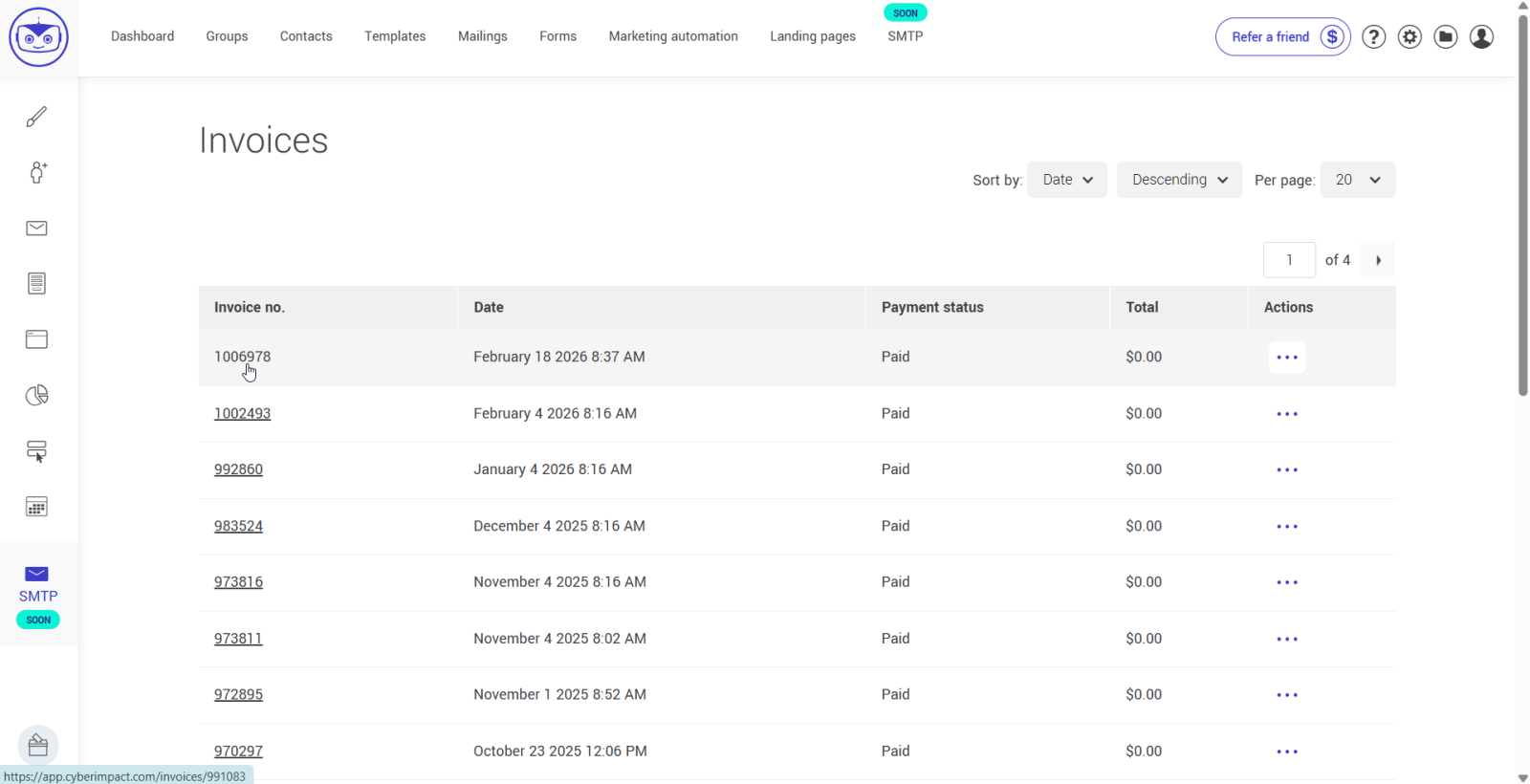
- To view an invoice, click the invoice number in the left column. A pop-up window will open displaying the invoice.
- To download an invoice, click the action menu on the right of the invoice number, then select Download.
Once the file has opened in your downloads, you can save it to your computer or print it if needed.