Holiday Schedule: Our offices will be closed on December 25 and January 1. For any emergencies, we invite you to contact us via the chat bubble at the bottom of your account or on our website. Remember, at any time you can check our FAQs here. Happy holidays!
Close

Retrieve all mailings sent to a group

To see the list of the mailings sent to a group:

  1. Go to the Groups menu and browse the list of groups or use the search to find the group in question.
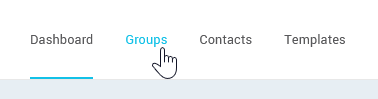
    open-the-Groups-menu
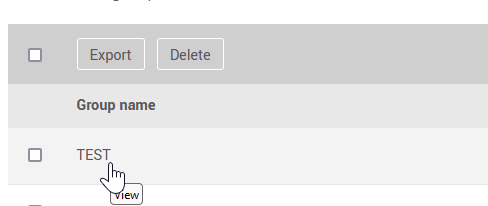
  2. Click on the group name to open it.

    click-the-group-name-to-open-it
  3. Then go to the Mailings tab to see the list of previous mailings the group has been a part of.
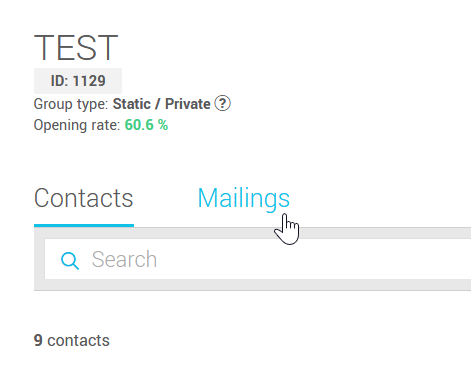
    go-to-mailings-tab

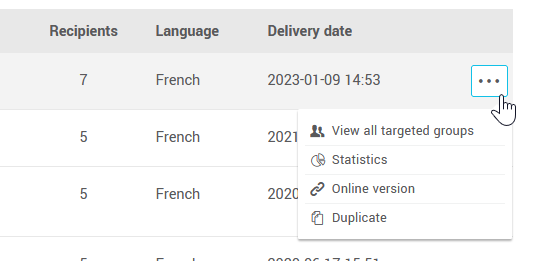
From the group's Mailings tab, you'll be able to access each mailing's statistics and the link to its online version (web version) or to schedule a new mailing by duplicating it.

access-mailings-actions

Top